SaaS vs Custom Software in 2026: Which One Is Right for Your Business?
A practical 2026 guide to choosing between ready-made SaaS, custom software, a SaaS product of your own, or a hybrid—based on fit, total cost and risk.
Orink Insights Editorial
Editorial desk, Orink Technology
9 min read
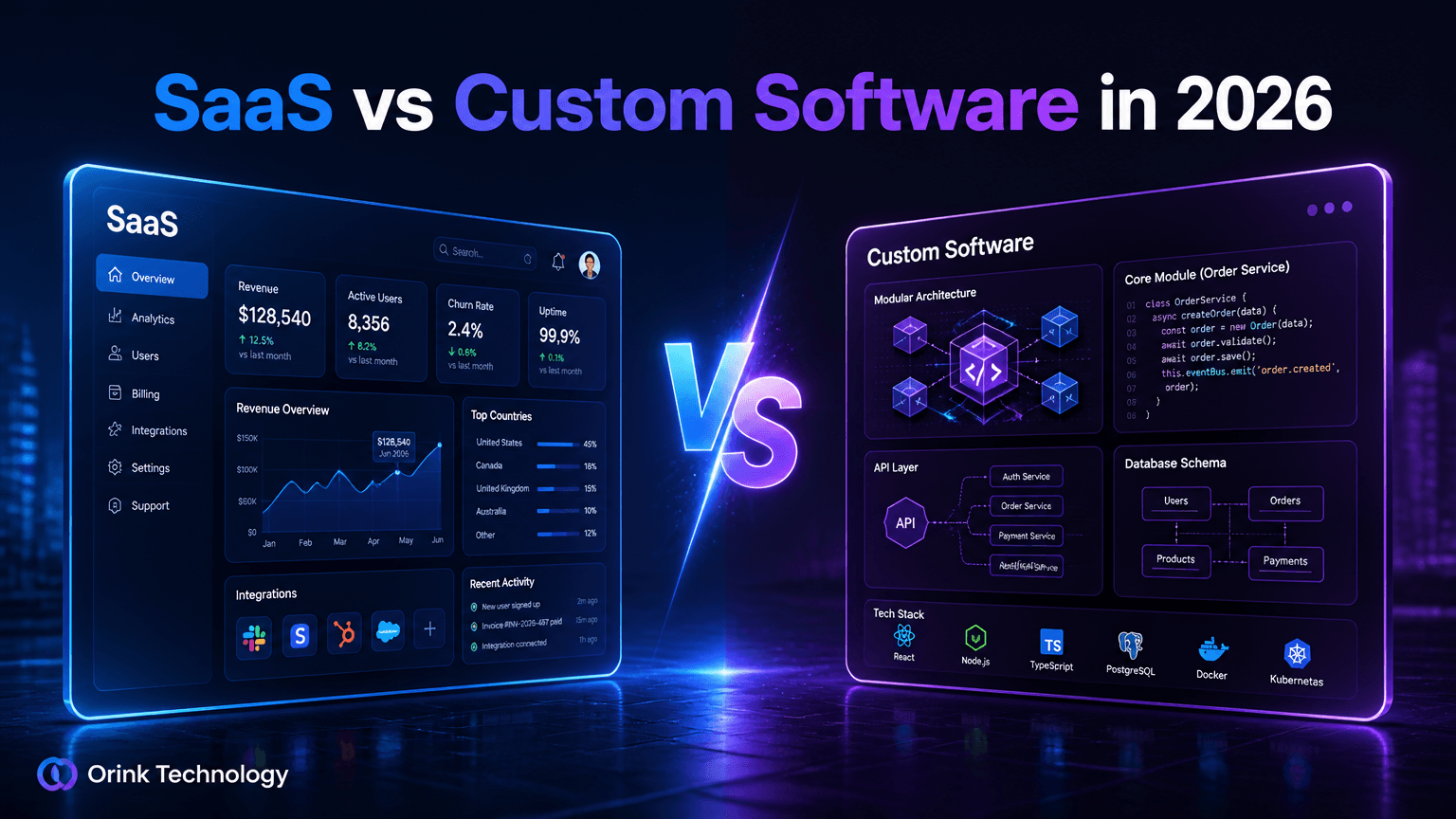
Choosing software is a business decision about time, money, process and risk—not a contest between “modern” and “old-fashioned” technology. SaaS can get a team moving quickly; custom software can fit a workflow generic tools cannot; a hybrid can combine both. Building software for customers is also a different decision from buying tools for staff.
This guide to SaaS vs custom software helps founders and growing businesses compare options against real requirements. The answer depends on what is distinctive, what must work on day one, what you can maintain, and how costs change as usage grows.
What is SaaS?
Software as a Service (SaaS) is software a provider hosts and operates, usually accessed online and paid for through a subscription or usage-based plan. The provider runs the application and ships updates; your organization configures it, manages users and decides what data to store. Hosting does not remove customer duties: identity, access, data handling and configuration still matter. Microsoft’s shared-responsibility guidance (opens in a new tab) explains this division.
Examples include accounting, email, customer support, project management and marketing. SaaS fits when a product covers a common need and its operating model suits the organization.
What is custom software?
Custom software is designed for a particular organization, workflow or product idea, sometimes called bespoke software development. The business or product owner controls requirements and owns or licenses the code under a contract. It may run in a cloud account, private infrastructure or a managed service; “custom” describes how it is made, not where it runs.
It can be an internal tool, portal, integration layer or public application. It can match a workflow closely, but the owner also takes on product decisions and responsibility for support, security, testing, hosting and change.
Custom SaaS and hybrid software
Custom SaaS is a software product built for a market and operated for multiple customers. Its owner must handle onboarding, tenant boundaries, availability, billing, support, privacy and product development. It is a product business, not just an internal app with a login screen.
A hybrid uses SaaS for standard capabilities and custom software for a differentiating workflow or system connections. A retailer, for example, might keep its accounting service but build a small inventory workflow that syncs with it. This can suit businesses with only one unusual process.
SaaS vs custom software: key differences
- Cost — Ready-made SaaS: Subscription or usage charges; costs recur as long as it is used Custom software: Discovery and build investment plus ongoing operation and maintenance
- Ownership — Ready-made SaaS: Provider owns and operates the product; customer owns its data subject to contract and law Custom software: Ownership and licensing are set by contract; customer has more control over scope and roadmap
- Customization — Ready-made SaaS: Configuration, extensions and supported integrations Custom software: Can be shaped around agreed workflows, within budget and technical limits
- Scalability — Ready-made SaaS: Provider scales the service; plan, quotas and price may change with usage Custom software: Team designs capacity; scaling depends on architecture, skills and infrastructure costs
- Maintenance — Ready-made SaaS: Provider handles product updates; customer handles configuration and use Custom software: Owner arranges fixes, security updates, compatibility and support
- Integrations — Ready-made SaaS: Depends on supported connectors, APIs and plan limits Custom software: Can connect to required systems, but each integration needs design and upkeep
- Data control — Ready-made SaaS: Depends on provider controls, export options, contract and configuration Custom software: More choice over hosting, access and retention, with more responsibility to operate them
- Time to launch — Ready-made SaaS: Usually fast after selection, procurement and setup Custom software: Requires discovery, design, implementation, testing and release planning
These are tendencies, not guarantees. A customized SaaS rollout can take months; a narrow custom tool can be small. Check the product terms and work required for your case.
Advantages and disadvantages of SaaS
SaaS fits common problems when an available product is good enough. A team can configure it instead of funding a new application. The provider handles much of hosting, upgrades and service operation, while existing integrations and support can reduce delivery uncertainty.
The roadmap and limits belong to the provider. A plan may not support a required approval flow, permission rule or integration. Fees can grow with users, storage or transactions, and the business relies on the provider’s availability, pricing and export process. Before committing, test export, cancellation, access controls and retention terms. NIST’s cloud standards roadmap (opens in a new tab) treats portability as important; verify it in practice.
Advantages and disadvantages of custom software
Custom software can encode a competitive process, connect systems or deliver a product feature unavailable elsewhere. The owner prioritizes changes against its goals and has more choice about data storage and access—if the team can operate those controls.
That control carries work. Integration, migration, security and accessibility add scope; after launch someone must handle defects, updates, monitoring, backups and support. Missing documentation or key-person dependence makes change expensive. Custom software is a poor investment when it recreates a standard tool without a clear business reason and lifecycle owner.
Cost comparison: look beyond the first quote
Compare total cost over a decision-relevant period, not just the SaaS fee against a build proposal. Costs depend on requirements, complexity, infrastructure, integrations, security, support and maintenance; do not assume custom software becomes cheaper after an arbitrary period.
- Initial investment — SaaS: Evaluation, setup, migration, training and configuration Custom software: Discovery, design, implementation, testing, migration and launch
- Subscription — SaaS: Recurring plan, per-user, tiered or usage charges; add-ons may apply Custom software: No third-party product subscription unless used, but hosting and service contracts may recur
- Maintenance — SaaS: Included product updates, but internal admin, configuration and vendor oversight remain Custom software: Ongoing engineering, security fixes, support and compatibility work must be funded
- Infrastructure — SaaS: Usually bundled into the service price, sometimes with usage limits Custom software: Hosting, database, storage, monitoring, backups and traffic costs are explicit operating concerns
- Scaling — SaaS: More seats or usage can raise plan charges; terms and tiers matter Custom software: Capacity can be tuned, but architecture, operations and infrastructure may need investment
For cloud infrastructure, count operation and management, not only provisioning. Google’s cost guidance (opens in a new tab) includes these costs in total ownership cost. Usage-based infrastructure can follow demand, but still needs budgets and monitoring; AWS recommends measuring business output alongside spending (opens in a new tab).
Which option is better for startups?
For most early-stage startups buying software, start with SaaS unless it blocks the core hypothesis. Speed of learning and cash preservation often matter more than owning every workflow. Use existing tools for payroll, email, CRM or analytics; validate a product idea with a focused prototype or MVP before investing in unproven demand.
Build custom when software is the product, tools cannot meet a hard requirement, or manual work materially limits the business. Keep scope narrow and define evidence for the next phase. Orink’s MVP development approach (opens in a new tab) tests a defined product question rather than copying the long-term roadmap.
Which option is better for small and medium-sized businesses?
SMBs should map the workflow first. For conventional needs such as bookkeeping, email campaigns, scheduling or support tickets, compare SaaS products and test real users, permissions, reports, integrations and data export—not just a demo.
Custom development becomes more compelling when work crosses disconnected systems, staff re-enter data, or customer experience is a differentiator. A hybrid can keep the familiar accounting or CRM system and add an integration or portal, limiting replacement risk while testing measurable value.
When should a business build its own SaaS product?
Build SaaS when evidence shows a repeated problem among a defined customer group. Interview buyers, learn current workarounds, identify the budget owner and test willingness to adopt or pay. Then define the smallest product that tests the riskiest assumption.
The plan must cover authorization, tenant isolation, backups, monitoring, support, billing, privacy and release operations. Set a support level you can meet and measure usage and costs. SaaS pricing can be subscription, contract, usage-based or mixed; align it to customer value, not simply infrastructure bills. See Orink’s SaaS development service (opens in a new tab).
Real-world scenarios
An agency needs project tracking. Start with SaaS if it handles clients, tasks and permissions. Build only if a recurring workflow gap creates measurable cost or risk.
A distributor duplicates orders across a portal and accounting system. Keep both systems and test a small integration if APIs and data rights allow. Verify reconciliation and failure recovery before automating financial records.
A founder wants to sell a niche workflow tool. Run the business on existing SaaS, then validate demand through interviews and a narrow MVP. Build a SaaS product when demand and an operating plan support it, not just to avoid subscriptions.
A growing company has a unique approval process. Check configuration or extensions first. If they fail, build that workflow around the system of record rather than replacing every tool.
How to make the right decision
For a useful SaaS vs custom software development comparison, use this sequence before signing or building:
- Name the outcome. “Staff spend two hours reconciling orders” is a problem; “we need a dashboard” is a proposed solution.
- Separate standard from distinctive work. Identify common needs and what makes your workflow different.
- Test products. Run real tasks; check integrations, permissions, export, support and terms.
- Estimate lifecycle cost. Include setup, migration, fees, infrastructure, training, administration and maintenance. Record assumptions.
- Assign ownership. Name who manages changes, incidents, access, spend and vendor terms.
- Choose a reversible step. Configure SaaS, integrate selectively or build a narrow workflow. Define evidence for expanding or switching.
Lock-in is a cost and exit risk, not an automatic reason to reject a useful service. UK government guidance (opens in a new tab) recommends weighing delivery benefits against switching constraints. Ask about export formats, fees, timelines and dependencies early.
Frequently asked questions
Is SaaS cheaper than custom software?
Not always. SaaS often lowers initial investment, but fees recur. Custom software costs more to build and operate, but may remove a costly constraint. Compare lifecycle costs for your usage.
Can I start with SaaS and switch to custom later?
Yes. Check export quality, API access and cancellation terms. Keep important data portable and understand vendor-specific automation dependencies.
Is custom software always more secure?
No. Custom code creates control and responsibility, not guaranteed security. SaaS customers still manage accounts, access and configuration. Evaluate actual controls and data sensitivity.
What is the difference between custom software and custom SaaS?
Custom software serves an organization or workflow. Custom SaaS serves multiple customers and adds tenant isolation, onboarding, billing, support and reliability work.
Should a startup build its own SaaS platform before finding customers?
Usually validate demand first with interviews, a prototype, manual service or MVP. Expand when evidence and a support plan justify it.
What should I compare in a SaaS contract?
Review price changes, usage limits, export, cancellation retention, uptime, support, subprocessors, security responsibilities and API access. Ask for a sample export.
Conclusion
When comparing SaaS or custom software, start with the business problem and the cost of living with each option. SaaS is often the quickest answer for common needs; custom software can be worth it for a distinctive workflow or product; and hybrid systems can connect the two. Choose with evidence, account for maintenance and exit costs, and make the first decision small enough to learn from. If your requirements point toward a purpose-built solution, explore Orink’s custom software development (opens in a new tab) and agree on a scope based on the workflow, not a generic feature list.
---
Editorial review note: The requested SEO title is 75 characters; this repository's Payload seo.title field has a 70-character maximum. The shorter seo_title_payload_safe preserves the phrase and brand name in shortened form. The featured image is not generated yet; image tool availability must be resolved before a publish attempt.
Featured-image brief: Original 16:9 premium 3D technology editorial illustration; deep navy with blue and purple light; two contrasting floating software dashboard panels labelled “SaaS” and “Custom Software”, central “VS”; readable headline “SaaS vs Custom Software in 2026”; subtle ORINK Technology branding; crisp, uncluttered, high contrast, no fabricated product logos; alt text is in the front matter.
Orink Insights Editorial
Editorial desk, Orink Technology
Orink Insights is the editorial publication of Orink Technology.
Keep reading
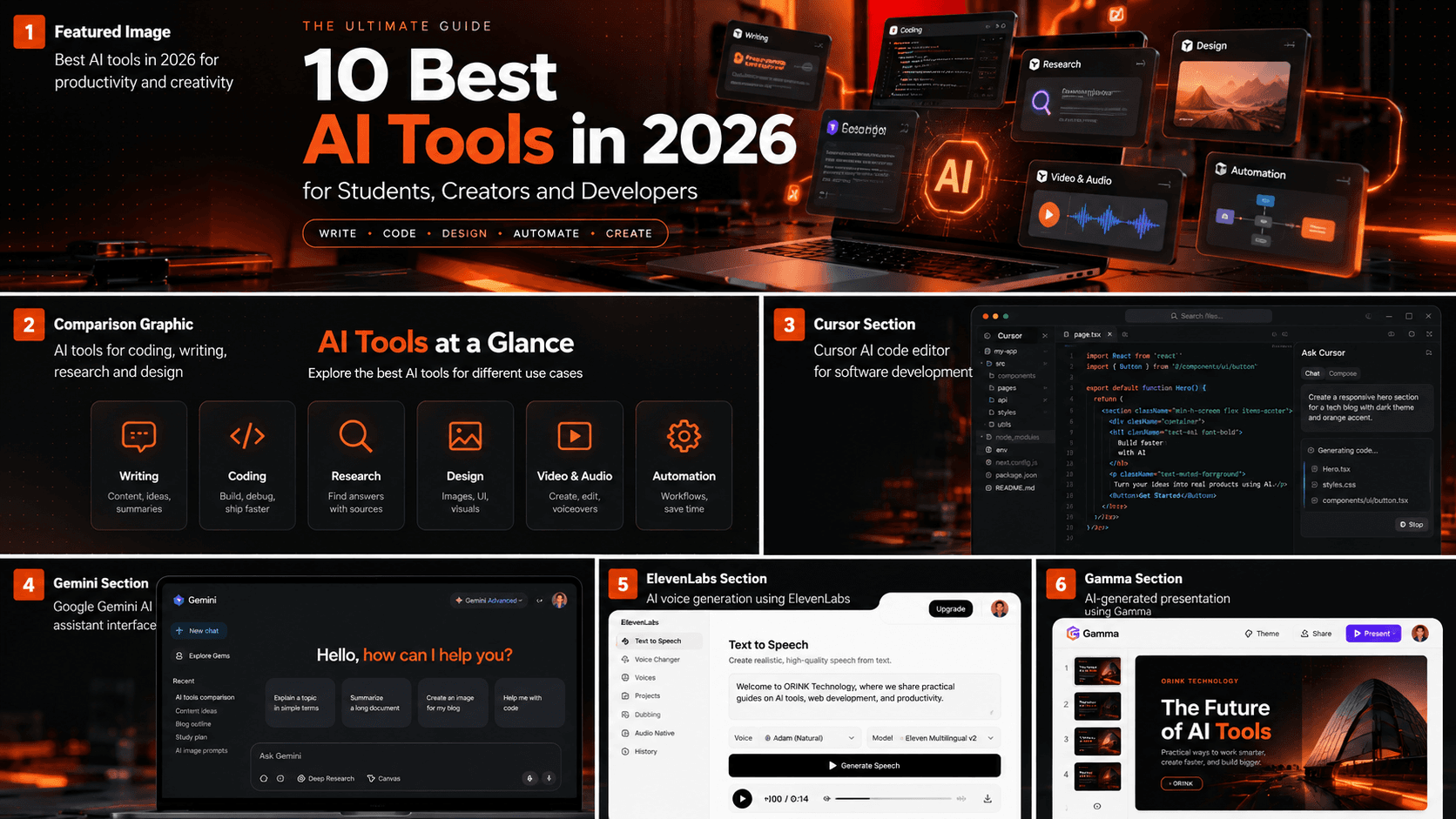
10 Best AI Tools in 2026 for Students, Creators and Developers
Discover the 10 best AI tools in 2026 for writing, coding, research, design, video editing, and productivity. Compare their features, free-plan options, and best use cases to find the right AI tools for your workflow.

25 Google Gemini Prompts for Students and Work (With Examples)
Discover 25 practical Google Gemini prompts for studying, research, writing, productivity and everyday work. Copy each prompt, customize it and get more useful AI responses.
Google Gemini Gems: How to Create Your Own AI Assistant
Google Gemini Gems let you configure Gemini for a particular role or task using reusable instructions. Think of a study coach, coding mentor, or writing editor that starts with your preferred guidance