10 Best AI Tools in 2026 for Students, Creators and Developers
Discover the 10 best AI tools in 2026 for writing, coding, research, design, video editing, and productivity. Compare their features, free-plan options, and best use cases to find the right AI tools for your workflow.
Orink Insights Editorial
Editorial desk, Orink Technology
8 min read
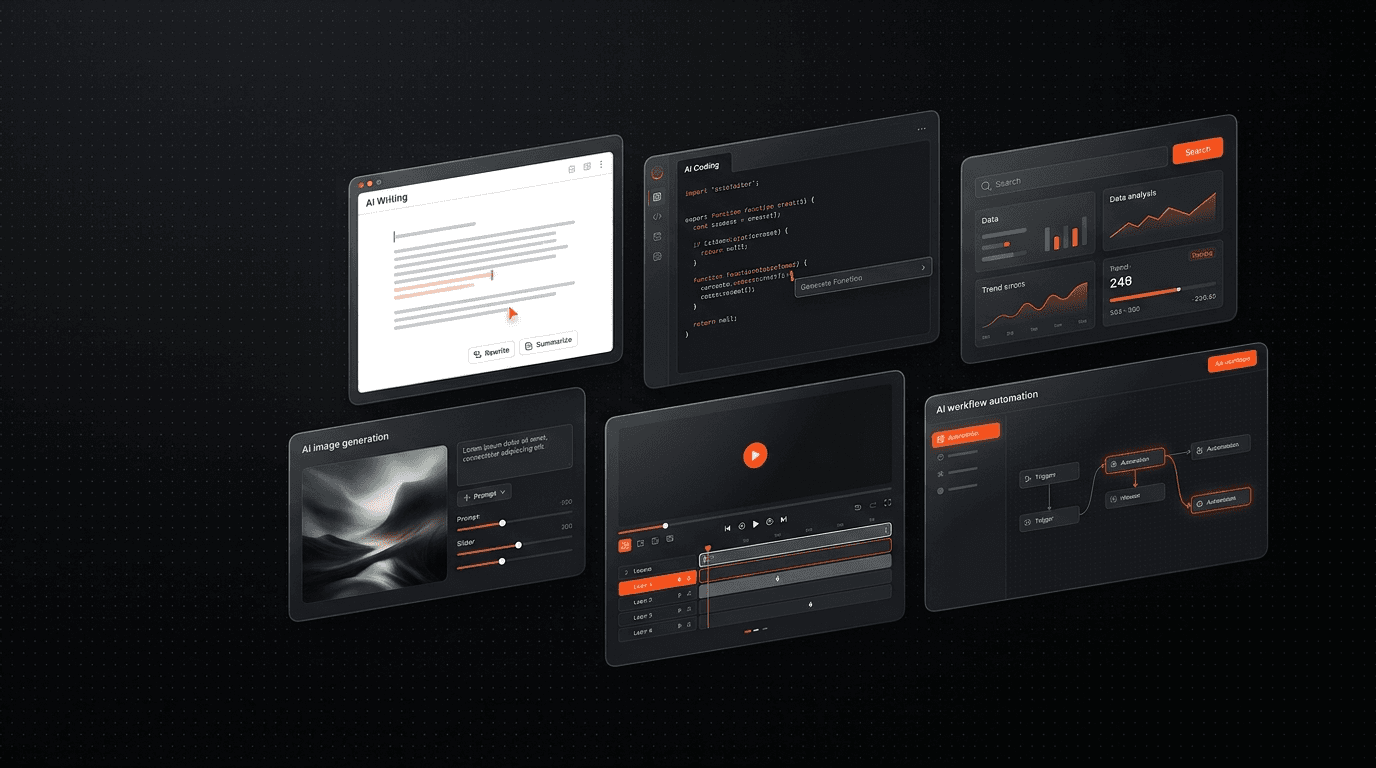
10 Best AI Tools in 2026 for Students, Creators and Developers
Artificial intelligence is changing how people write, research, design, code, and manage everyday work. But with new AI products appearing constantly, choosing the right tool can be difficult.
The good news is that you do not need dozens of subscriptions to benefit from AI. A small collection of tools matched to your needs can help you study more effectively, create content faster, build software, and automate repetitive tasks.
In this guide, we explore 10 useful AI tools for different workflows, explain what each one does best, and help you decide which options are worth trying first. Some offer free access or limited free plans, while advanced features may require a paid subscription.
Note: AI features, availability, usage limits, and pricing can change. Check each product's official website before subscribing.
Quick comparison: Best AI tools at a glance
AI toolBest forFree access
ChatGPT
Writing, brainstorming and general assistance
Limited free access
Claude
Long documents, writing and coding
Free tier available
Google Gemini
Research, learning and Google ecosystem tasks
Free tier available
Perplexity
Web research with sources
Free tier available
Cursor
AI-assisted software development
Limited free plan
Google AI Studio
Experimenting with AI models and prototypes
Free access with usage limits
Lovable
Building web app prototypes using prompts
Limited free plan
ElevenLabs
AI voice generation and speech
Limited free access
Descript
Video and podcast editing
Limited free access
Gamma
Presentations and visual documents
Limited free access
Free access does not necessarily include every model, feature, export option, or usage allowance.
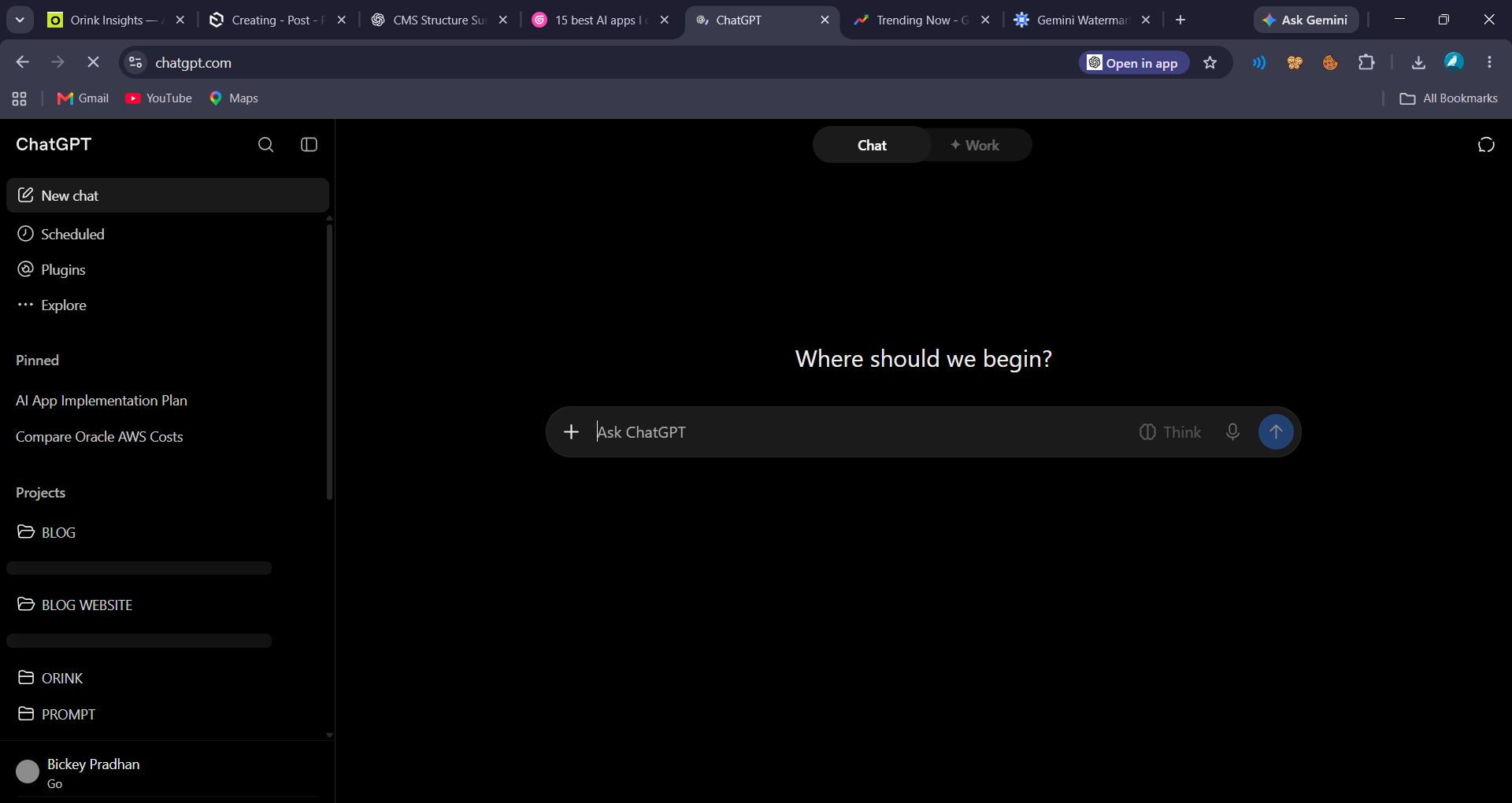
1. ChatGPT — Best all-round AI assistant
ChatGPT is a versatile starting point for people who want one AI assistant for a wide range of tasks. It can help you brainstorm ideas, explain complicated topics, summarize supplied documents, draft content, work through code, and organize projects.
Best uses
- Explaining academic concepts in simpler language
- Creating outlines, emails, reports, and content drafts
- Debugging code and understanding programming errors
- Brainstorming product ideas and business workflows
Why try it: It is useful when you need a flexible assistant rather than a specialized tool for one task.
Limitations: Answers can contain mistakes, and access to advanced models or features may be restricted by plan or usage limits.
Website: https://chatgpt.com/ (opens in a new tab)
2. Claude — Best for writing and long-form work
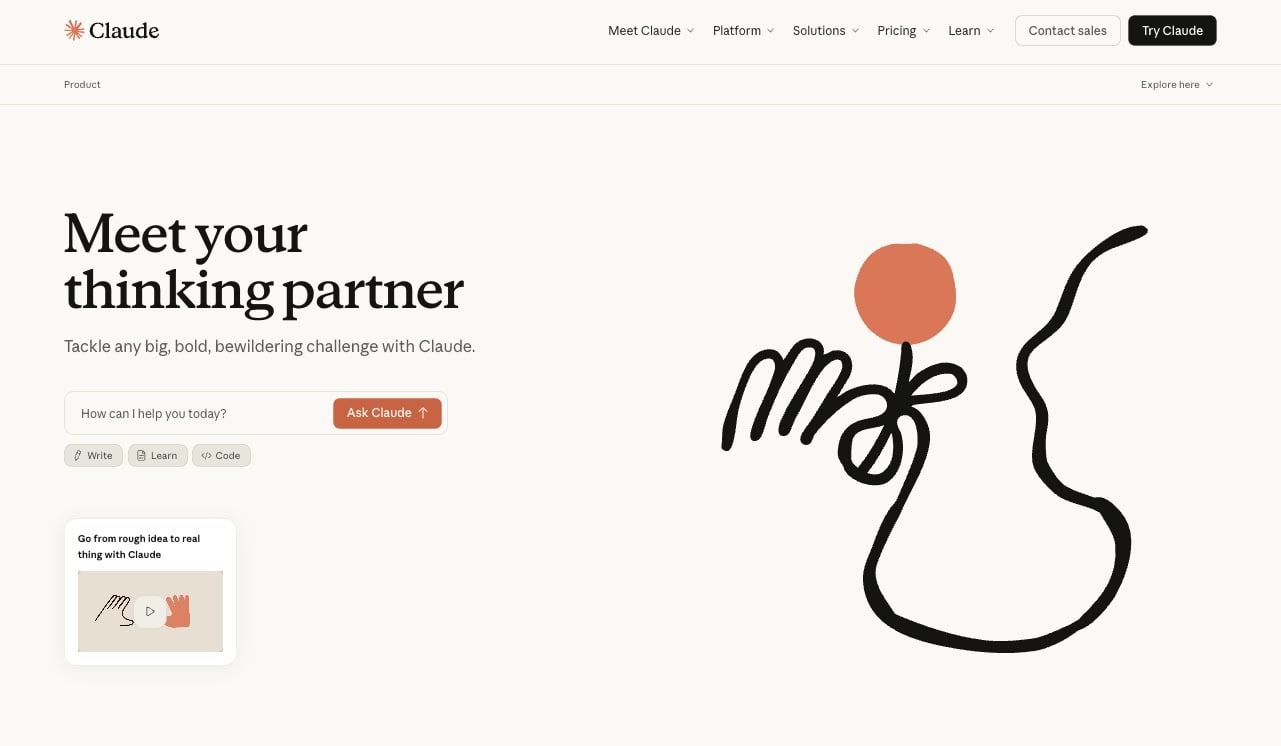
Claude is an AI assistant worth considering for detailed writing, analyzing documents, discussing complex ideas, and helping with software development. Depending on the available model and plan, it can work with substantial amounts of text and help organize complicated information.
Best uses
- Reviewing long reports and documents
- Improving the structure and clarity of articles
- Understanding codebases and planning changes
- Turning rough notes into organized drafts
Why try it: It can be especially useful when your task requires careful reading, structured reasoning, or sustained work on a document.
Limitations: Usage limits vary, and important facts or code still need verification.
Website: https://claude.ai/ (opens in a new tab)
3. Google Gemini — Best for Google ecosystem workflows

Google Gemini is useful for people who already work with Google's products and want help with research, writing, learning, and creative tasks. Depending on the account, region, and plan, available features may include document assistance, image-related capabilities, and integrations with Google services.
Best uses
- Understanding difficult study topics
- Drafting and refining written content
- Brainstorming creative concepts
- Working with supported Google services
Why try it: It can be a convenient option if much of your work already takes place in Google's ecosystem.
Limitations: Features and integrations vary by account and subscription. Verify important answers against reliable sources.
Website: https://gemini.google.com/ (opens in a new tab)
4. Perplexity — Best for web research
Perplexity is designed around AI-assisted search and research. It provides answers with links to sources, which can make it easier to investigate a topic and follow up on the original material.
Best uses
- Researching technology trends and products
- Finding sources for an article
- Comparing software features
- Exploring a subject through follow-up questions
Why try it: It can speed up the initial research process and make source discovery more convenient.
Limitations: Citations do not guarantee that every statement is correct. Open the cited pages and verify dates, context, and claims before publishing.
Website: https://www.perplexity.ai/ (opens in a new tab)
5. Cursor — Best for AI-assisted coding
Cursor is a code editor built around AI-assisted software development. It helps developers work with existing projects, generate code, understand unfamiliar files, and iterate on implementations.
Best uses
- Building websites and application features
- Understanding errors in an existing codebase
- Refactoring repetitive code
- Exploring changes across related files
Why try it: It can reduce the friction of moving between reading code, asking questions, and making edits.
Limitations: AI-generated code can introduce bugs or security issues. Review changes, run tests, and understand what is being committed.
Website: https://cursor.com/ (opens in a new tab)
6. Google AI Studio — Best for experimenting with AI
Google AI Studio provides a web-based environment for experimenting with Google's AI models. It is useful for developers and curious beginners who want to test prompts and prototype AI-powered ideas.
Best uses
- Testing different prompts
- Exploring model capabilities
- Prototyping AI-powered features
- Experimenting before integrating an API into an application
Why try it: It offers a practical bridge between using an AI assistant and building an AI feature into your own product.
Limitations: API usage, quotas, model availability, and billing conditions can differ from the consumer Gemini experience. Review the applicable terms before deploying a project.
Website: https://aistudio.google.com/ (opens in a new tab)
7. Lovable — Best for quickly prototyping web apps
Lovable helps users create web application prototypes by describing what they want in natural language. It can be useful for testing a product concept before investing significant time in implementation.
Best uses
- Creating an early SaaS prototype
- Exploring layouts and user journeys
- Building a first version of an internal tool
- Communicating a product idea to collaborators
Why try it: You can move from an idea to a visual prototype without starting every component from scratch.
Limitations: Generated applications may need debugging, security reviews, accessibility improvements, and architectural work before production use. Review integrations, data permissions, and hosting requirements carefully.
Website: https://lovable.dev/ (opens in a new tab)
8. ElevenLabs — Best for AI voices
ElevenLabs focuses on AI-generated speech and audio experiences. Creators can explore text-to-speech, voiceovers, and supported audio workflows for videos, presentations, and other media.
Best uses
- Producing narration for videos
- Creating voiceovers for educational content
- Testing audio experiences for applications
- Developing spoken versions of written material
Why try it: It can make voice production more accessible when recording equipment or a recording session is not practical.
Limitations: Usage may be credit-based or plan-dependent. Only clone or reproduce a person's voice with appropriate permission, and check the licensing terms for commercial use.
Website: https://elevenlabs.io/ (opens in a new tab)
9. Descript — Best for video and podcast editing
Descript combines media editing with text-based workflows. Depending on the current plan, its features may include transcription, editing by modifying text, audio cleanup, and tools that simplify parts of the video production process.
Best uses
- Editing interviews and podcasts
- Cleaning up spoken audio
- Preparing captions and transcripts
- Repurposing longer recordings into shorter content
Why try it: Text-based editing can make some editing tasks easier for creators who are more comfortable working with words than traditional editing timelines.
Limitations: Export options, AI credits, transcription allowances, and advanced editing features depend on the plan.
Website: https://www.descript.com/ (opens in a new tab)
10. Gamma — Best for presentations
Gamma helps users create presentations and other visual documents from a prompt or outline. It can be useful when you need a structured first draft of a deck without designing every slide manually.
Best uses
- Preparing college presentations
- Drafting startup pitch decks
- Creating training materials
- Turning notes into a visual document
Why try it: It helps you get from an outline to a presentable first version quickly.
Limitations: AI-generated layouts and text still need editing. Check factual claims, visual consistency, and export requirements before presenting the final deck.
Website: https://gamma.app/ (opens in a new tab)
Which AI tool should you choose?
The best choice depends on what you want to accomplish, not simply which tool is most popular.
- For students: Start with ChatGPT or Gemini for explanations and brainstorming. Use Perplexity when you need to discover sources.
- For developers: Try Cursor for coding assistance and Google AI Studio for experimenting with model-powered features.
- For content creators: Consider ChatGPT or Claude for drafting, ElevenLabs for voiceovers, and Descript for media editing.
- For founders and small businesses: Explore Lovable for prototypes, Gamma for presentations, and general-purpose assistants for planning and research.
- For research-heavy work: Use a search-oriented tool to find sources, then open and verify the original material.
You do not need to pay for every tool. Begin with the free access available for the tasks you perform most often. Upgrade only when you consistently hit a real limitation and the additional features justify the cost.
How to evaluate an AI tool before paying
Before committing to a subscription, consider these five checks:
- Task quality: Does it actually improve the result you need?
- Free-plan limits: Are messages, credits, exports, or integrations sufficient?
- Workflow fit: Does it work with your existing files, applications, and habits?
- Privacy: Understand how uploaded files, prompts, and personal or business data are handled.
- Total cost: Consider subscription fees, usage-based charges, and any additional tools you may need.
AI tools can save time, but adding more subscriptions does not automatically improve productivity. A small set of reliable tools is often more useful than a long list of products you rarely open.
Frequently asked questions
What is the best AI tool in 2026?
There is no single best option for every task. ChatGPT and Claude are general-purpose assistants, Perplexity is focused on research, Cursor supports coding, and specialized products serve needs such as voice generation and presentations.
What are the best free AI tools?
ChatGPT, Claude, Gemini, Perplexity, Google AI Studio, and several other products offer free access or free tiers. The exact limits and available features can change, so check the official pricing pages.
Which AI tools are useful for students?
General-purpose assistants can help explain concepts and organize study plans, while research tools can help discover reading material. Students should verify factual claims and follow their institution's rules for AI-assisted work.
Can AI tools replace professional software?
Sometimes AI can simplify parts of a workflow, but it does not automatically replace specialist software or professional judgment. Developers, designers, and editors should review outputs and use the tools that meet their actual requirements.
Are AI tools safe to use with private data?
Safety depends on the service, settings, account type, and information being uploaded. Avoid entering passwords, confidential customer records, private keys, or sensitive business information unless you have verified that the service and your organization's policies permit it.
Final thoughts
AI is most useful when it solves a specific problem. Whether you want to learn faster, research a topic, create videos, build an application, or prepare a presentation, start with one tool that fits your workflow and test it on a real task.
Keep what works, verify the results, and reassess your subscriptions as your needs change.
Follow ORINK Technology for practical guides to AI tools, software, productivity, and technology that helps you get real work done.
Orink Insights Editorial
Editorial desk, Orink Technology
Orink Insights is the editorial publication of Orink Technology.
Keep reading

25 Google Gemini Prompts for Students and Work (With Examples)
Discover 25 practical Google Gemini prompts for studying, research, writing, productivity and everyday work. Copy each prompt, customize it and get more useful AI responses.
Google Gemini Gems: How to Create Your Own AI Assistant
Google Gemini Gems let you configure Gemini for a particular role or task using reusable instructions. Think of a study coach, coding mentor, or writing editor that starts with your preferred guidance